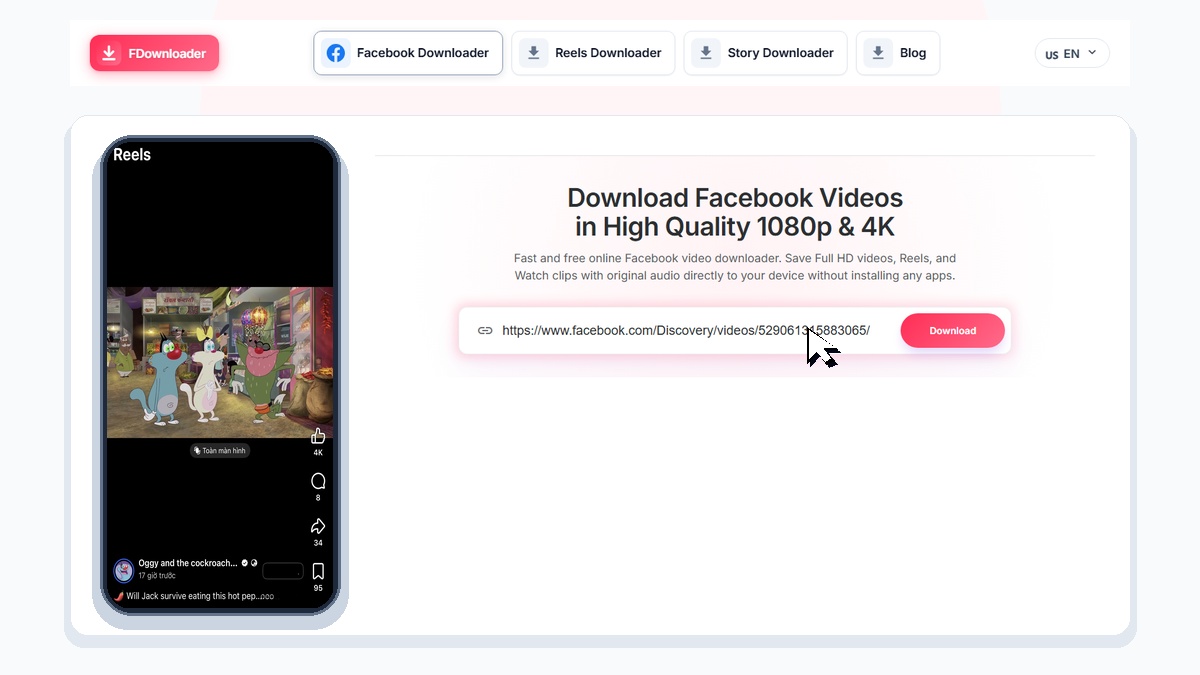
Download Facebook Videos in High Quality 1080p & 4K
Fast and free online Facebook video downloader. Save Full HD videos, Reels, and Watch clips with original audio directly to your device without installing any apps.
Why Choose FDownloader
Full HD & 4K Quality
Save videos in crisp original resolutions up to 4K with clear sound.
Fast Processing
Extract and generate high-speed download links in just a few seconds.
All Devices Supported
Works smoothly on iPhone, Android, Windows PC, and Mac browsers.
No Account Required
Download directly without entering login credentials or signing up.
Safe and Private
We never track download histories or store personal user data.
Unlimited Downloads
Save as many videos as you want with zero hidden fees or restrictions.
How to Download Facebook Videos in 3 Simple Steps
Save any public Facebook video in seconds
- 1
Copy video link
Open the Facebook video, tap Share, and click Copy Link. - 2
Paste into FDownloader
Paste the URL into the search box above and click Download. - 3
Save video to device
Select your preferred resolution (1080p, 720p) and save the MP4 file.
FDownloader is a fast, web-based tool designed to help you download Facebook videos directly from your browser. There is no need to install bulky software or browser extensions: you can save any public video in clean MP4 format in just a few clicks.
How to Save Facebook Videos on Different Devices
FDownloader is fully optimized for all modern operating systems and web browsers:
1. On iPhone and iPad:
- Open the Facebook app, find the video you want to save, tap Share, and select Copy link.
- Open Safari, go to FDownloader, and paste the copied URL into the search bar.
- Tap Download and select your preferred quality.
- Once finished, open Safari Downloads, tap the video, open the Share Sheet, and choose Save Video to move it into your Photos library.
2. On Android Phones:
- Copy the link from Facebook, open Chrome, paste the URL into FDownloader, and tap Download. The MP4 file saves straight to your Downloads folder or gallery.
3. On Windows PC and Mac:
- Copy the URL from the browser address bar, paste it into FDownloader, and save the file directly to your hard drive for offline viewing.
Tips for Getting the Best Video Quality (1080p, 2K & 4K)
FDownloader automatically detects and provides the highest resolution available on Facebook servers for each post. If the creator originally uploaded the video in 1080p, 2K, or 4K, you will be able to download it in that exact crisp resolution with full audio fidelity.
Note: The tool extracts the original source stream without compression, but cannot upscale a blurry or low-resolution video beyond its original quality.
Important Usage Guidelines
- Public Videos Only: FDownloader only processes publicly available posts. Videos hosted in closed groups or private accounts cannot be retrieved.
- User Privacy: We never ask for your Facebook account password and do not track or store your download history on our servers.
- Copyright Respect: Please respect content creators' copyrights and obtain appropriate permissions before reusing downloaded videos.