Facebook Reels Downloader - Save FB Reels Without Watermark
Download public Facebook Reels in crisp 1080p Full HD MP4. Fast, free, and without watermarks or account login.
Why Choose FDownloader Reels Saver
Full HD 1080p Quality
Save Facebook Reels in crisp original resolution with clean sound.
Instant Processing
Extract and convert Reels video links in under 3 seconds.
All Devices Supported
Works smoothly on iOS Safari, Android Chrome, Windows, and Mac.
No Account Required
Download directly in your browser without entering your Facebook credentials.
Privacy First
We do not store your downloads or track your personal browsing.
Unlimited Free Downloads
Save as many Facebook Reels as you like with zero hidden fees.
How to Download Facebook Reels in 3 Simple Steps
Get any public Reel saved to your device in seconds
- 1
Copy Reels link
Open the Reel on Facebook, tap Share, and select Copy Link. - 2
Paste into FDownloader
Paste the URL into the search box above and click Download. - 3
Save MP4 video
Select your desired HD quality and save the video to your device.
Facebook Reels is one of the most popular places to discover entertaining, educational, and inspiring short videos. Because Facebook does not provide an official download button, FDownloader Reels Downloader offers a fast, reliable way to save any public Reel directly to your phone or computer in original Full HD quality.
How to Copy the Correct Facebook Reels Link
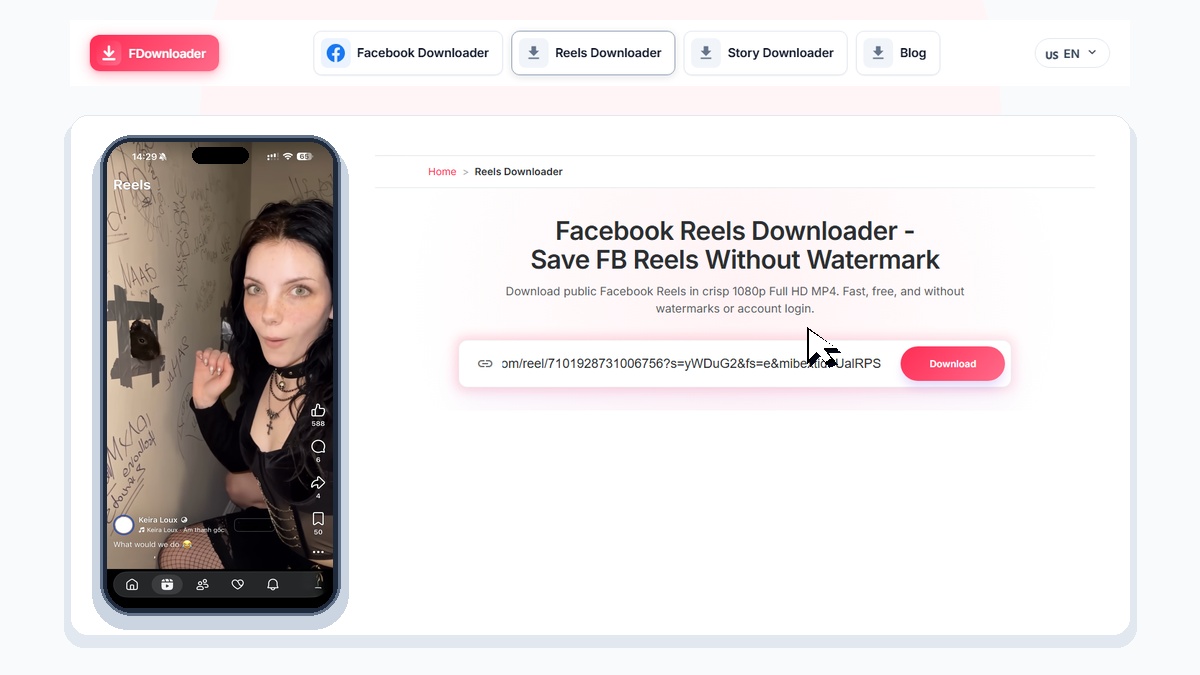
To ensure a smooth download on the first try, make sure you copy the exact Reel link:
- On the Facebook mobile app: Open the Reel you wish to save, tap the Share button (arrow icon), and select Copy link.
- On desktop browsers: Right-click the Reel or copy the URL directly from the address bar (formatted as
facebook.com/reel/...).
Clean MP4 Files with Zero Watermarks
Unlike other platforms that stamp permanent watermarks onto saved clips, FDownloader fetches the uncompressed stream straight from Facebook content delivery networks. You receive a clean MP4 file with the original creator quality, crystal-clear audio, and no intrusive promotional logos.
Key Things to Know Before Downloading
- Public Availability: FDownloader only processes Reels that are publicly visible. Private or friend-restricted Reels cannot be accessed.
- Original Video Quality: The downloaded resolution depends on what the creator uploaded (typically 720p or 1080p). FDownloader preserves source clarity without degrading the video.
- Copyright & Permissions: Please respect creators' intellectual property. Saved clips should be used for personal enjoyment or learning reference.