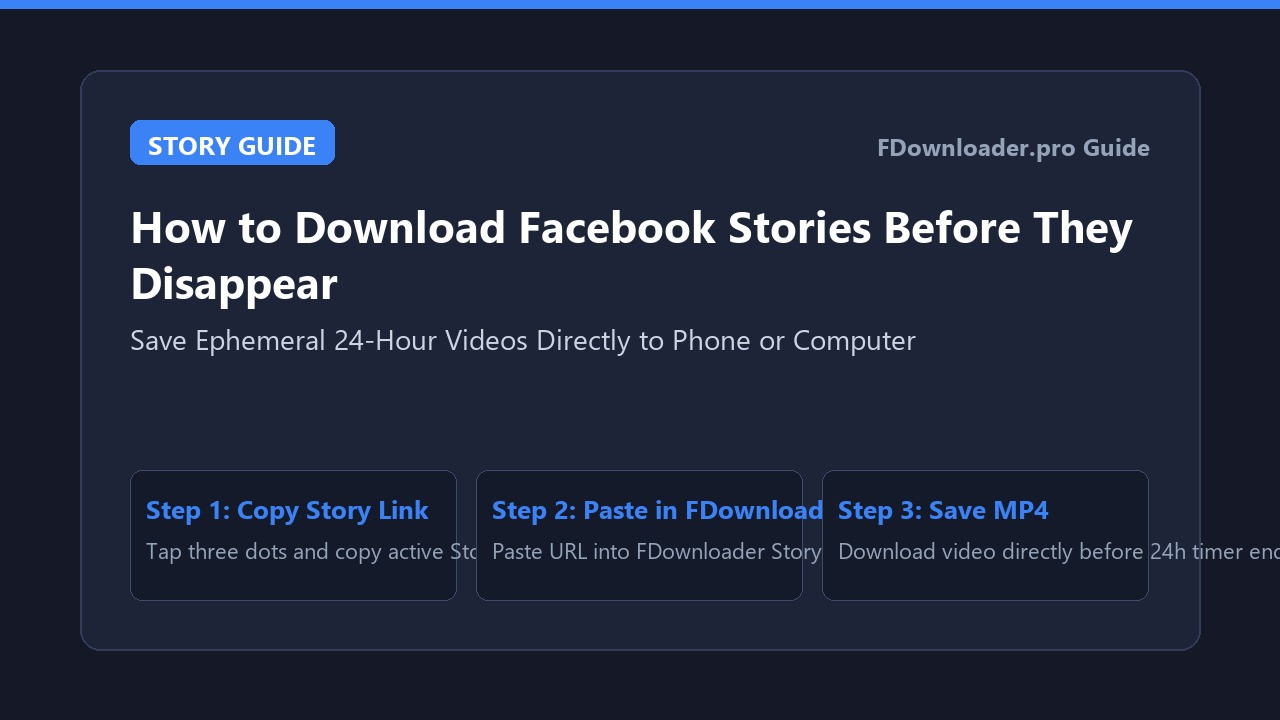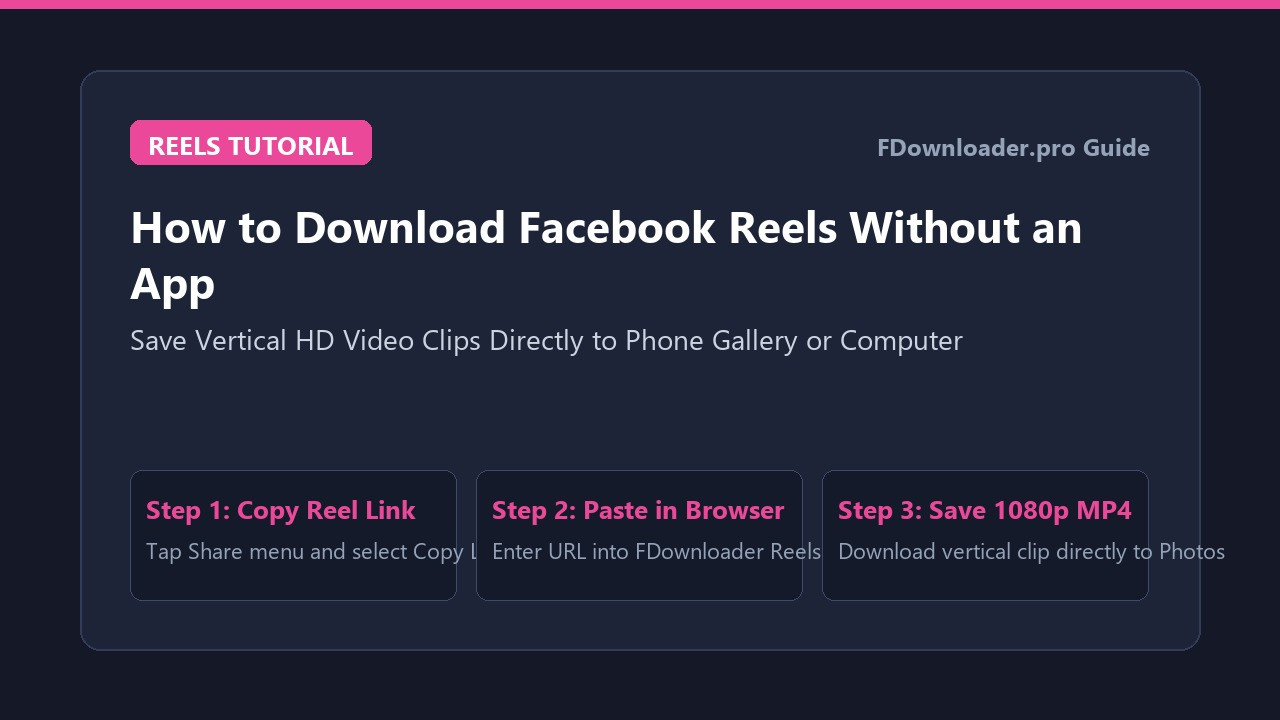
How to Download Facebook Reels Without an App
Vertical short-form video has quickly become the primary way creators entertain, teach, and connect with audiences on social networks. While scrolling through your Facebook feed or dedicated Reels tab, you routinely come across hilarious sketches, helpful culinary demonstrations, or fitness routines that you want to save for offline access.
However, the official Facebook mobile application provides no built-in mechanism to download video files directly to your device storage. Tapping the save button merely bookmarks the post within your account cloud profile. If the creator deletes the Reel or makes their account private, your bookmarked link becomes inaccessible.
To keep a standalone copy of your favorite short clips, you do not need to install third-party utility apps from mobile app stores. By utilizing a browser-based Facebook Reels downloader, you can download Facebook Reels without app installations directly into your iPhone Photos app, Android Gallery, or computer folder.
Why Download Facebook Reels in Their Native Format?
Short-form videos are engineered specifically for vertical smartphone displays. Keeping local MP4 copies of these clips offers several distinct practical advantages:
- Native 9:16 aspect ratio: Online tools extract the original vertical framing, helping the video display cleanly on full-screen mobile players without letterboxing.
- Uninterrupted offline watching: Having an MP4 file on your local memory allows you to review fitness exercises, recipes, or comedy clips during commutes or travel without relying on mobile data.
- Reposting and sharing: Storing a local video file makes it simple to share interesting discoveries with friends across messaging platforms that cannot embed Facebook links directly.
- Protection against deletion: Creators regularly archive or remove older Reels. Saving an offline copy helps ensure you do not lose access to valuable guides or memorable moments.
How to Copy the Exact Facebook Reel Link
Obtaining the proper share link is the foundational step for any web-based download workflow:
- Open Facebook on your smartphone or desktop computer.
- Navigate to the specific Reel you wish to save.
- Tap or click the Share icon in the lower-right corner of the screen.
- Select Copy link from the sharing options list.
- If viewing on desktop, you can also right-click directly on the Reel video player and choose "Copy video URL at current time".
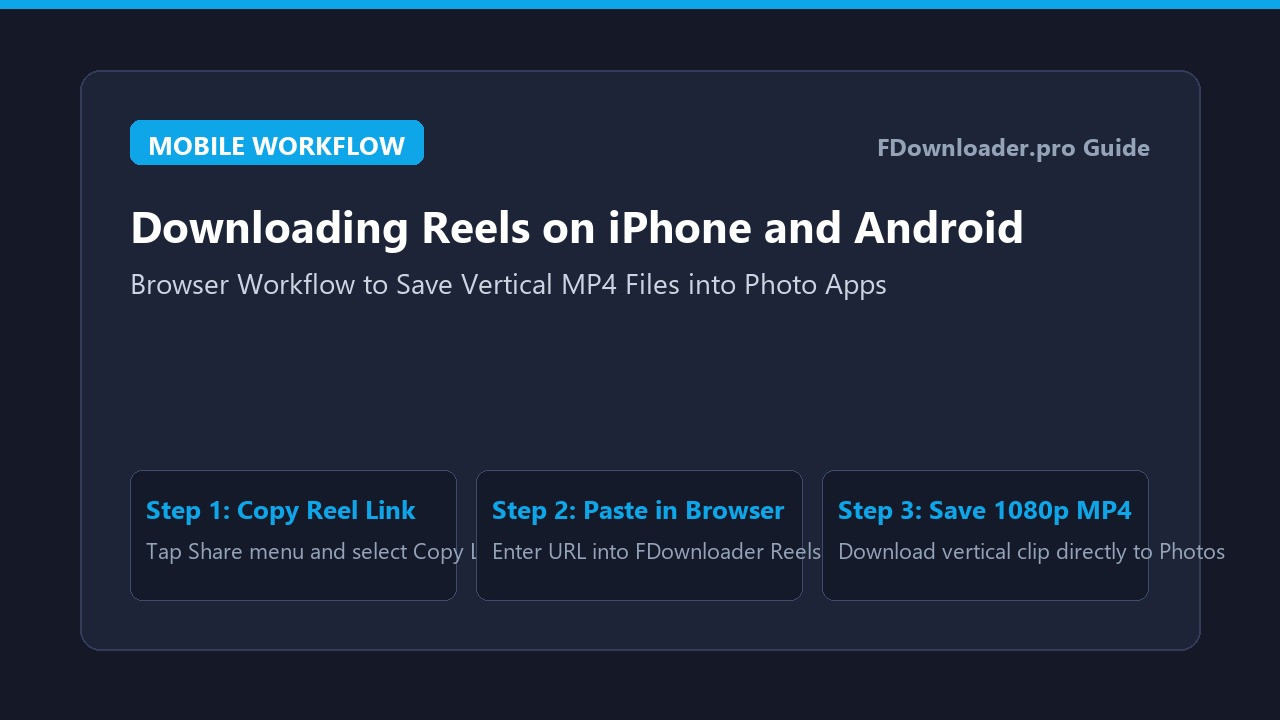
Step-by-Step Guide: How to Download Facebook Reels on Mobile (iPhone & Android)
The web-based download process requires no app store downloads and is designed to operate on common mobile and desktop platforms:
On iPhone and iPad (Safari to Photos App)
Apple iOS handles file downloads smoothly through Safari's built-in download manager:
- Launch Safari and navigate to FDownloader Reels.
- Tap inside the URL field, paste your copied Reel link, and tap Download.
- Choose your preferred video resolution (such as 1080p Full HD or standard HD).
- When Safari asks to confirm the download, tap Download.
- Tap the circular download progress icon in the address bar, select the downloaded file, tap the Share icon, and select Save Video to transfer the clip into your Photos app.
On Android (Chrome to Gallery)
Android provides a direct storage structure that places downloaded media directly into your default photo albums:
- Open Google Chrome or your favorite mobile browser and go to FDownloader.
- Paste the Reel link into the conversion box and tap Download.
- Select your desired resolution from the available options.
- Chrome will download the MP4 file directly into your device
Downloadsfolder. - Open your default Gallery or Google Photos app to find the new Reel under your Recent or Downloads album.
How to Download Facebook Reels on PC and Mac
If you use a desktop computer for media organization or presentation preparation, downloading Reels through a browser is equally straightforward:
- Open Chrome, Edge, Firefox, or Safari and visit FDownloader Reels.
- Paste the copied Reel link into the search field using keyboard shortcut Ctrl + V (or Command + V on macOS).
- Click Download to parse the video streams.
- Choose your preferred quality and confirm the file save.
- The MP4 file is saved to your default
Downloadsfolder, ready for playback in VLC Media Player or QuickTime.
Understanding Quality and Audio Tracks on Facebook Reels
When saving vertical videos, maintaining clarity and synchronized sound is essential:
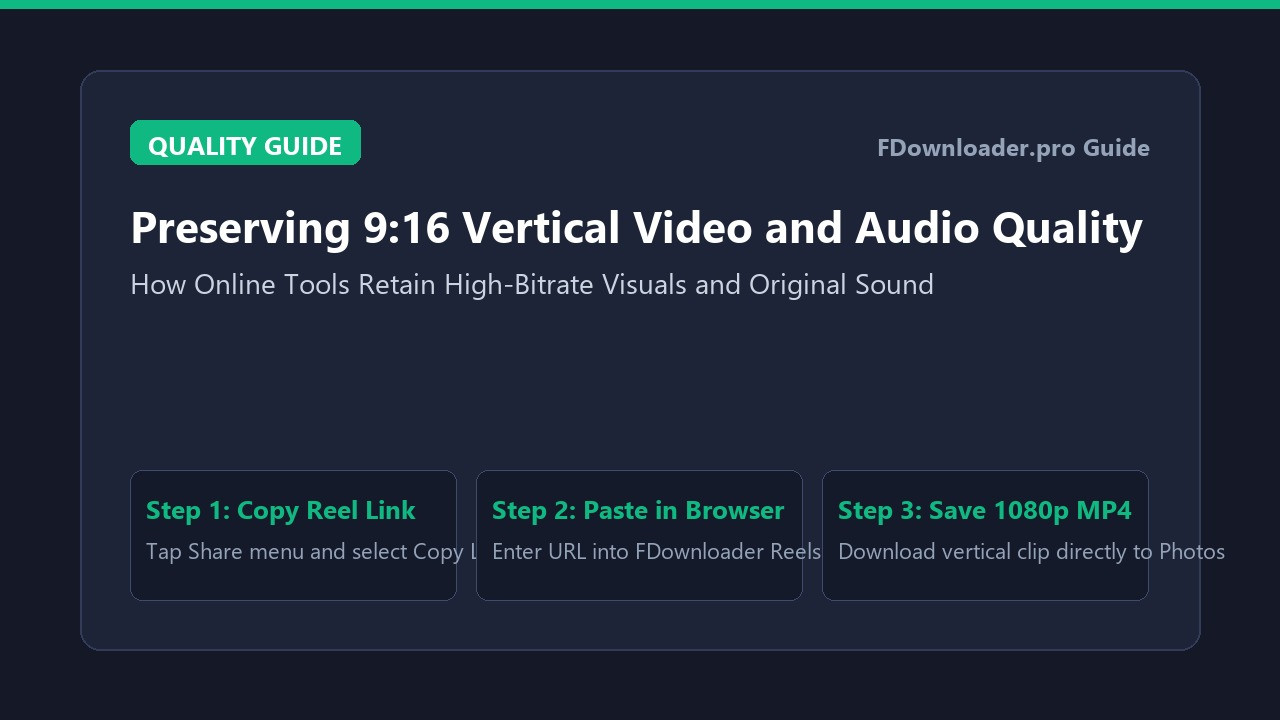
- High definition resolution: Many modern Reels are uploaded in high-definition resolutions. Online download services aim to extract the highest bitrate stream provided by the source file.
- Synchronized audio: Facebook often separates audio and video streams during web delivery. Quality tools merge these streams on cloud servers, helping ensure the resulting MP4 includes available audio tracks.
- Original aspect ratio: The downloaded file generally preserves the vertical 9:16 layout, making it suitable for viewing on mobile devices without distortion.
Troubleshooting Common Reel Download Issues
If you encounter unexpected results when attempting to download a clip, consider these practical solutions:
The Reel Fails to Parse or Displays an Error
Web downloaders can only access content that has public visibility. If a Reel was published by a private account or restricted to friends only, external tools cannot reach the stream. Always check that the original post features the public globe icon before copying the link.
The Downloaded Video Lacks Audio
If a downloaded file plays silently, the original creator may have used copyrighted music that Facebook restricted in certain regions, or an audio synchronization delay occurred. In most cases, refreshing the downloader page and generating a fresh download link often helps restore normal audio delivery.
Browser Opens Video in a New Tab Instead of Downloading
If clicking download opens the video player in a new browser tab, right-click the video player on desktop and select "Save video as...". On mobile devices, tap the three dots icon on the browser player toolbar and select Download.
Conclusion
Knowing how to download Facebook Reels without app installations gives you full freedom over your favorite vertical media clips. By using an online tool like FDownloader, you can save high-definition Reels directly to your phone or computer promptly, supporting convenient offline viewing whenever you need it.
Share this post: